
About the Alarms
The Alarm is a feature of the Shelly Smart Control app that allows you to send notifications to your mobile device when a motion or door/window opening is detected. This functionality is only available for Shelly Motion or Door/Window devices.
Add an Alarm Zone
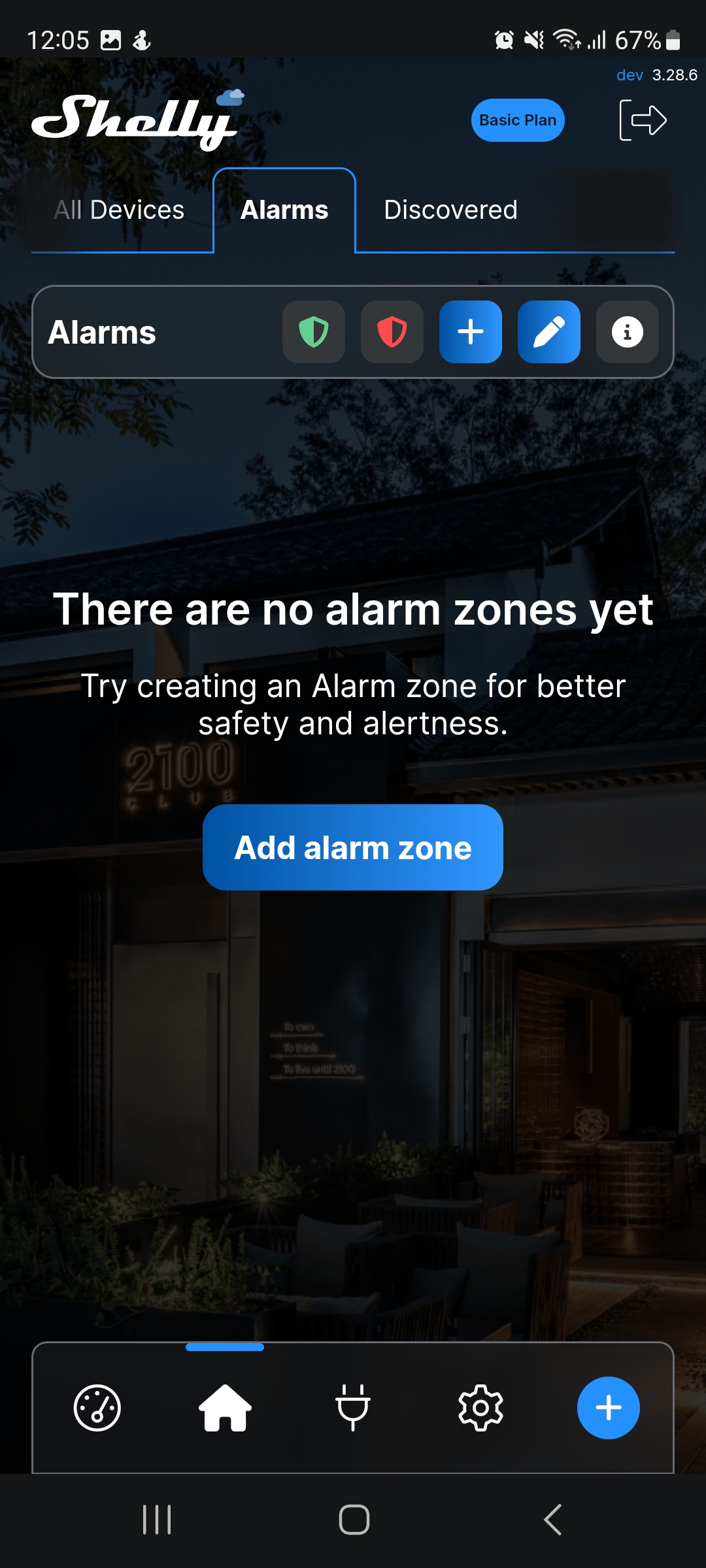
Go to the Alarms tab of your app, then select Add alarm zone.
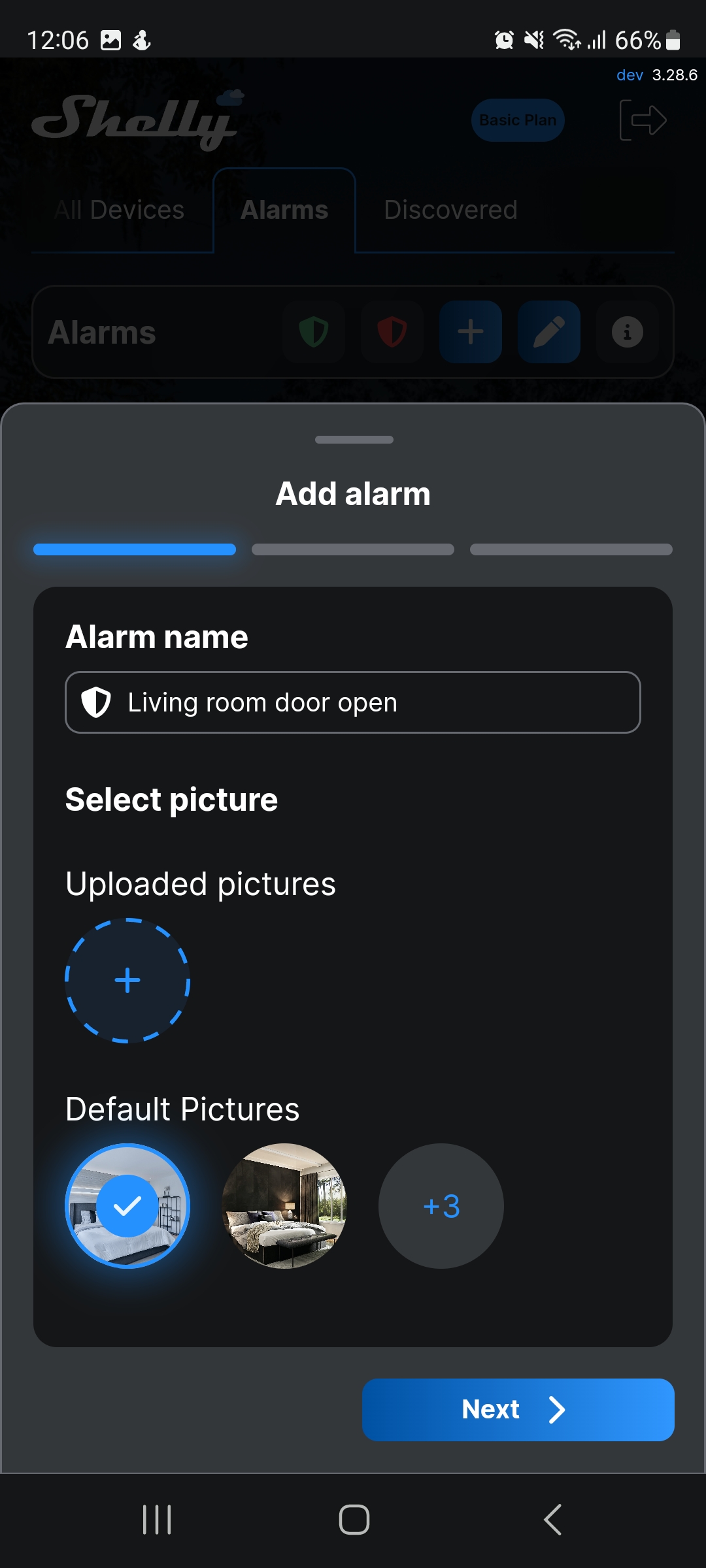
Name the alarm and select a picture. Then, select Next.
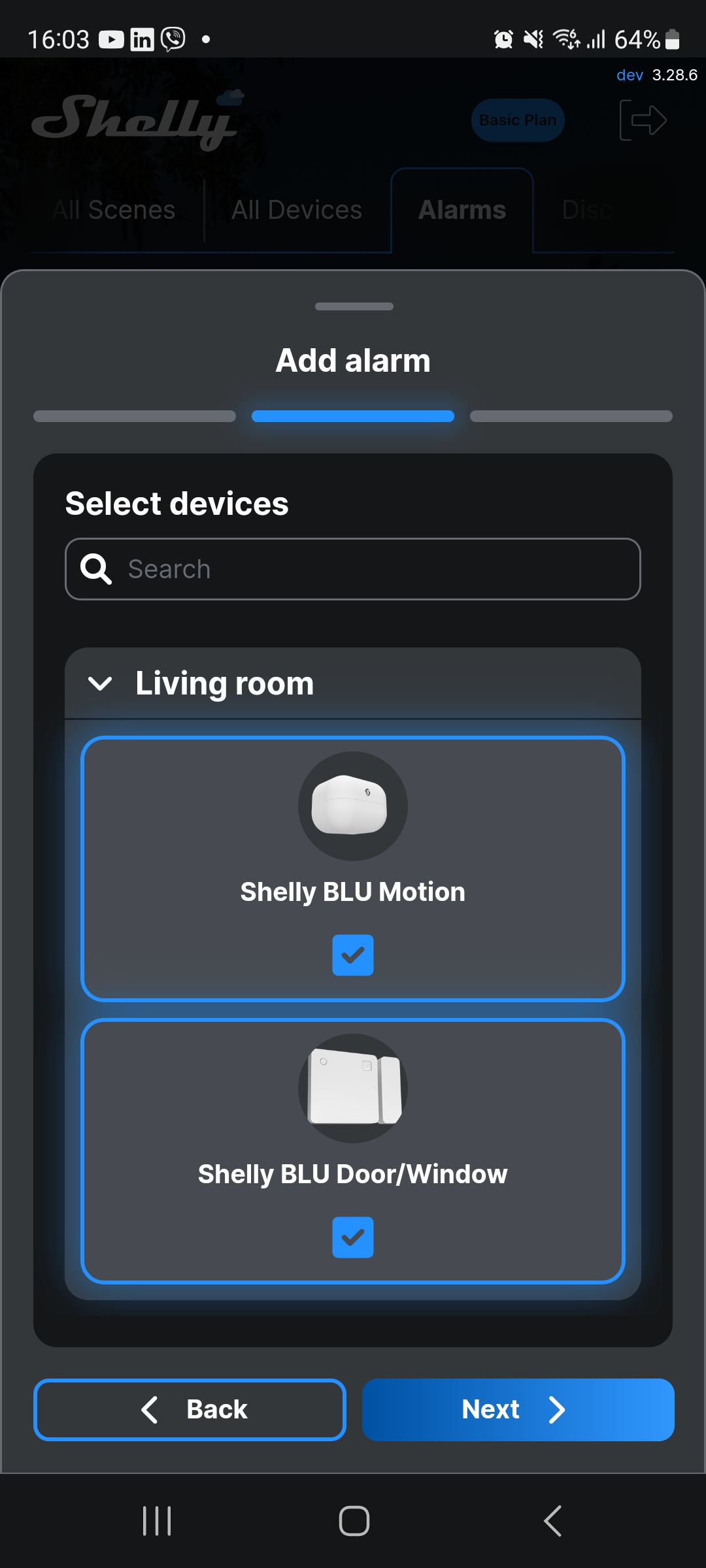
Find a specific device for your alarm. Alternatively, include all devices within a room, then select Next.
The name of your alarm will be part of the notification alert you receive, for example: Living room door open: Motion detected!
Check the Arm alarm to activate the alarm. Then, select Save.
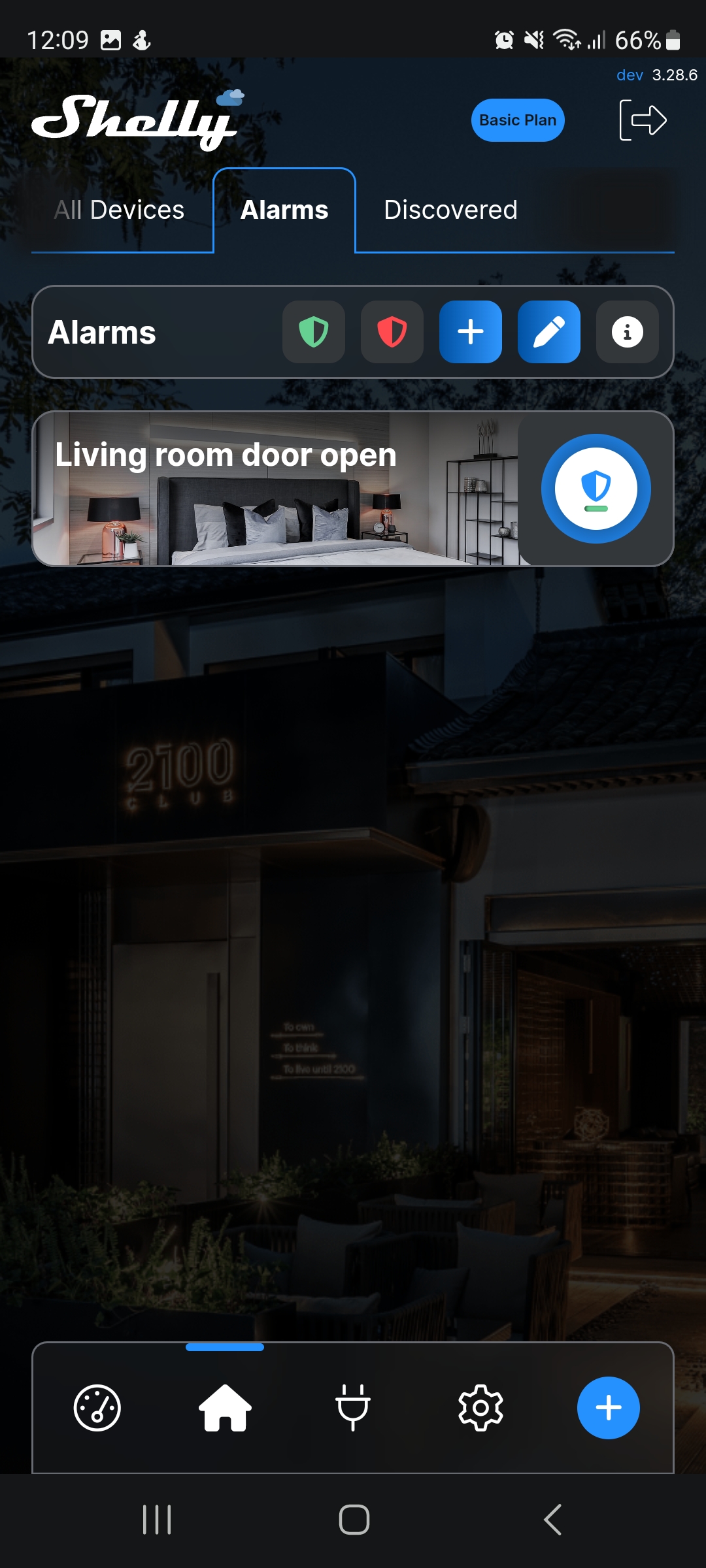
The alarm is now saved and active.